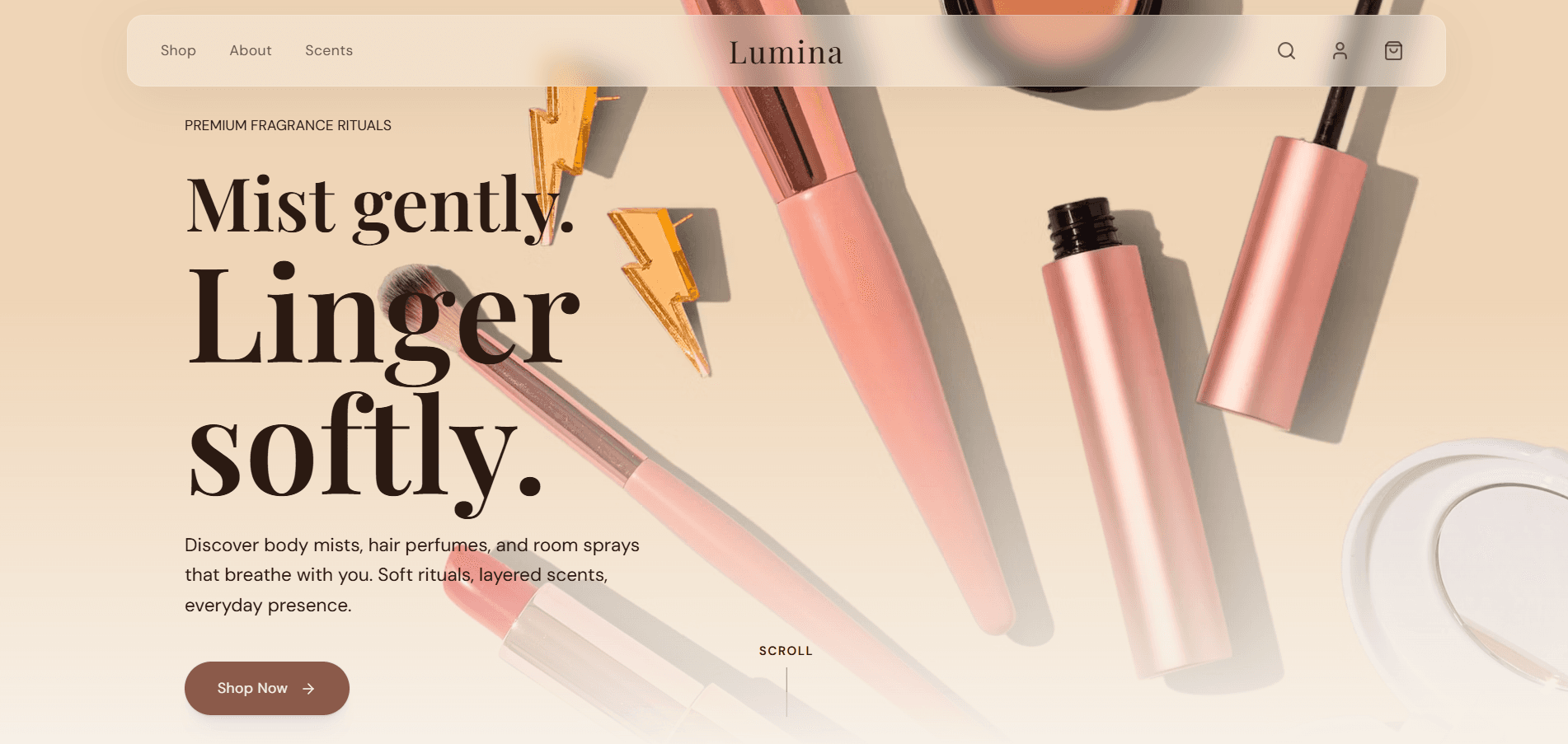
Static HTML sites can be extremely fast and inexpensive to host, but a template still needs deliberate content, form, search, accessibility, and deployment work before it represents a real business well.
Replace Every Piece Of Demo Content
Search the project for placeholder company names, sample email addresses, stock links, lorem ipsum, generic testimonials, and template credits. Update page titles, headings, navigation labels, footer details, copyright text, and image alternative text together so the site tells one coherent story.
Remove sections the business cannot support. A shorter page with real services, evidence, and contact information is more credible than a large template filled with invented metrics and testimonials.
Test Navigation And Forms Without Assumptions
Click every navigation, footer, social, telephone, email, and call-to-action link. Confirm that internal anchors account for sticky headers and that the browser back button returns visitors to a sensible position.
Static contact forms need a real endpoint or trusted form service. Validate required fields in the browser and on the receiving service, show a clear success state, and test failures such as an offline connection or rejected submission.
Add Page-Specific Search Metadata
Each indexable page needs a unique title, description, canonical URL, primary heading, and useful visible content. Add an Open Graph image for link sharing and a favicon that remains recognizable at small sizes.
Create robots.txt and a sitemap only for canonical public pages. Exclude duplicate demos, thank-you pages, internal search results, and unfinished routes. Keyword lists do not compensate for thin or repeated page copy.
Optimize Images And Fonts
Export images near their rendered dimensions, use modern formats where appropriate, and set width and height to reduce layout shift. The hero image deserves early loading; below-the-fold galleries usually benefit from lazy loading.
Limit font families and weights, preload only resources required for the first viewport, and provide system fallbacks. Test on a slower mobile connection because a fast desktop can hide several megabytes of unnecessary media.
Review Accessibility At Mobile Width
Use semantic headings, landmarks, buttons, and links. Ensure every form input has a label, every meaningful image has useful alternative text, and decorative images are ignored by assistive technology. Check contrast and visible focus states.
Test at 320 pixels wide and with large text. Long words, navigation menus, pricing labels, and buttons should wrap without overlapping. Keyboard users must be able to open and close the mobile menu and reach every interactive element.
Deploy, Redirect, And Verify
Configure HTTPS, the preferred www or non-www hostname, and redirects from old URLs before announcing the site. Add a custom 404 page, verify cache headers, and make sure case differences or trailing slashes do not create duplicate pages.
After deployment, test the live domain on a second device, submit the sitemap to Search Console, confirm analytics consent behavior, and monitor form delivery. Keep the source and deployment instructions in version control so the next update is repeatable.
Explore more on mtverse
Browse dashboard, ecommerce, SaaS, landing page, portfolio, and HTML templates, or explore reusable UI component source.