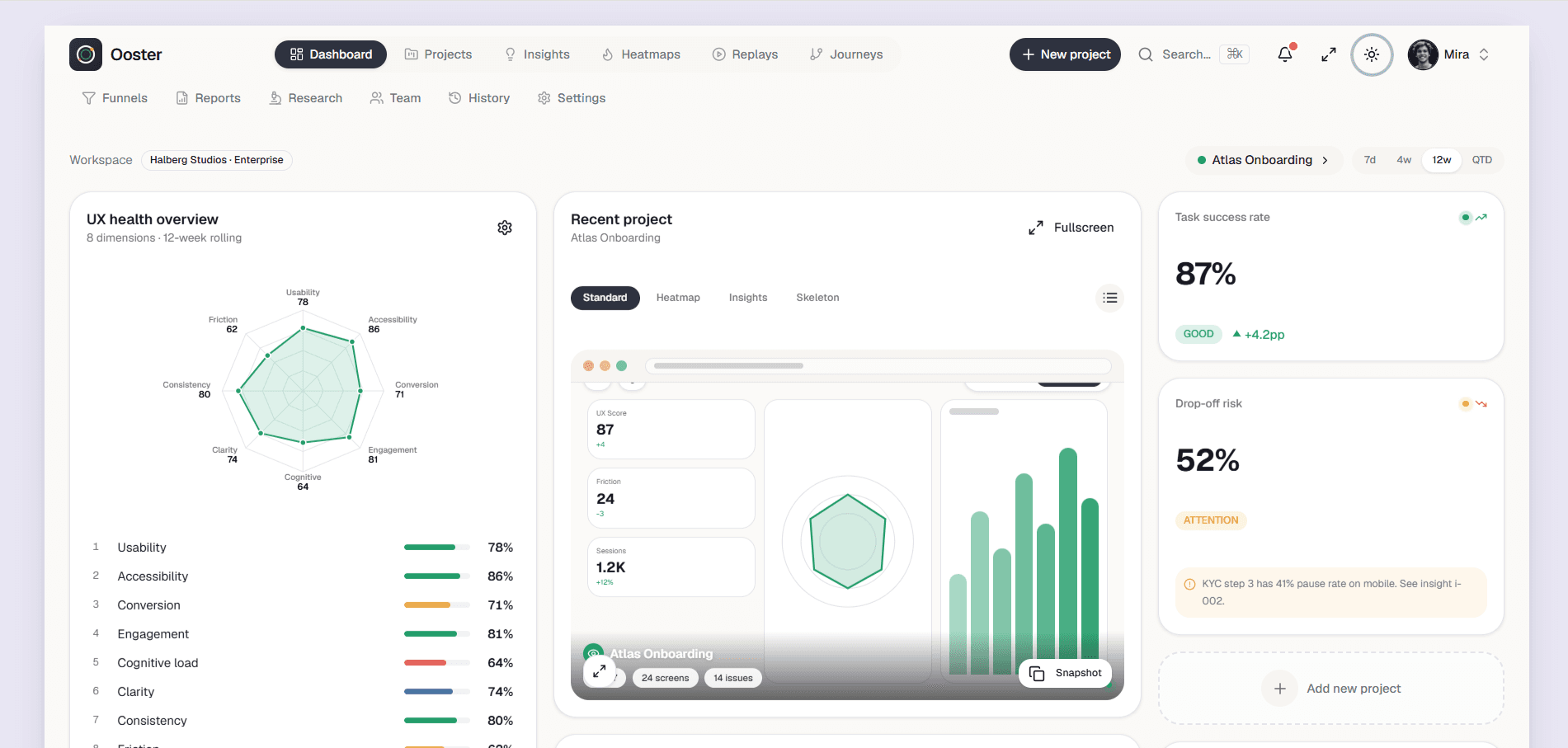
Dashboard screenshots can look similar while the underlying source quality differs dramatically. A useful evaluation focuses on the application shell, reusable data patterns, state handling, and how quickly the package can accept real product logic.
Evaluate The Application Shell
Inspect the sidebar, top navigation, breadcrumbs, page titles, mobile menu, command search, theme behavior, and account controls. These shared surfaces affect every screen and should be consistent before feature pages are considered.
Check that fixed elements do not overlap content, long labels remain readable, and the shell works at laptop, tablet, and narrow mobile widths.
Look Beyond Filled Dashboard States
Tables should support realistic density, horizontal overflow, empty rows, loading, sorting, filtering, pagination, and actions. Charts need labels, legends, responsive containers, and useful fallback content. Forms need validation and accessible labels.
Templates that show error, empty, loading, and permission states reduce the amount of product work hidden behind a polished overview screenshot.
Review Component Boundaries And Dependencies
Reusable layouts, cards, tables, dialogs, and form controls should have clear props and avoid page-specific assumptions. Review the package manifest for heavy libraries, duplicate tools, abandoned dependencies, and packages loaded globally without need.
A TypeScript project should build without ignored errors. Styling tokens and shared primitives make brand changes safer than repeating raw colors and spacing throughout every page.
Map Demo Data To Real APIs
Identify where sample metrics, rows, notifications, and profiles are defined. A maintainable package keeps demo data separate from presentation and makes loading or error replacement straightforward.
Permissions and protected actions must ultimately be enforced by the server. Hiding a button in the interface is useful presentation, not authorization.
Confirm Purchase And Delivery Scope
Use the detail page to confirm included screens, framework, version, license, price, preview URL, and package format. After payment, access should attach to the signed-in account and expose only the purchased template or selected bundle.
For a larger catalog, compare a single-template purchase with an all-paid bundle based on the number of projects the team expects to build, not only the immediate screen.
Explore more on mtverse
Browse dashboard, ecommerce, SaaS, landing page, portfolio, and HTML templates, or explore reusable UI component source.